

I want it to be over here

you just made me wonder what the smilie button even does… it’s emoji reactions! I probably saw this some months ago, but since they’re not within my 3rd party app, I don’t use them. so not sure how important they are/how often they get used
update: Interstellar supports the emoji reactions! maybe I’ll use Interstellar a bit more now instead of Voyager. Although I prefer Voyager’s UI…
It is possible. Let’s see how many upvotes this post gets!
bookmarked
I think it could remplace the collapse button. The collapse button can be moved near the profil as reddit do ?
Or maybe we can purpose everyone to imagine and draw an UI ?
Boost for mobile has this
Connect and Interstellar has the bookmark button more accessible as well. That’s probably the case for the other apps that support Piefed as well.
What I’d like to see is an expanded bookmark feature, that are fairly standard for website bookmarks; the ability to create folders and manage bookmarked comments and posts. Maybe someday.
Also, I have no idea where I can see my list of bookmarks on the mobile browser.
The navbar that is across the top of the page when on a desktop browser collapses into the hamburger menu at the upper right corner when on a narrower, mobile screen. Expand that and then Account to see the bookmarks.
The hamburger menu system is kind of clunky, so that is why the bar along the bottom was introduced, but it doesn’t have all the options.
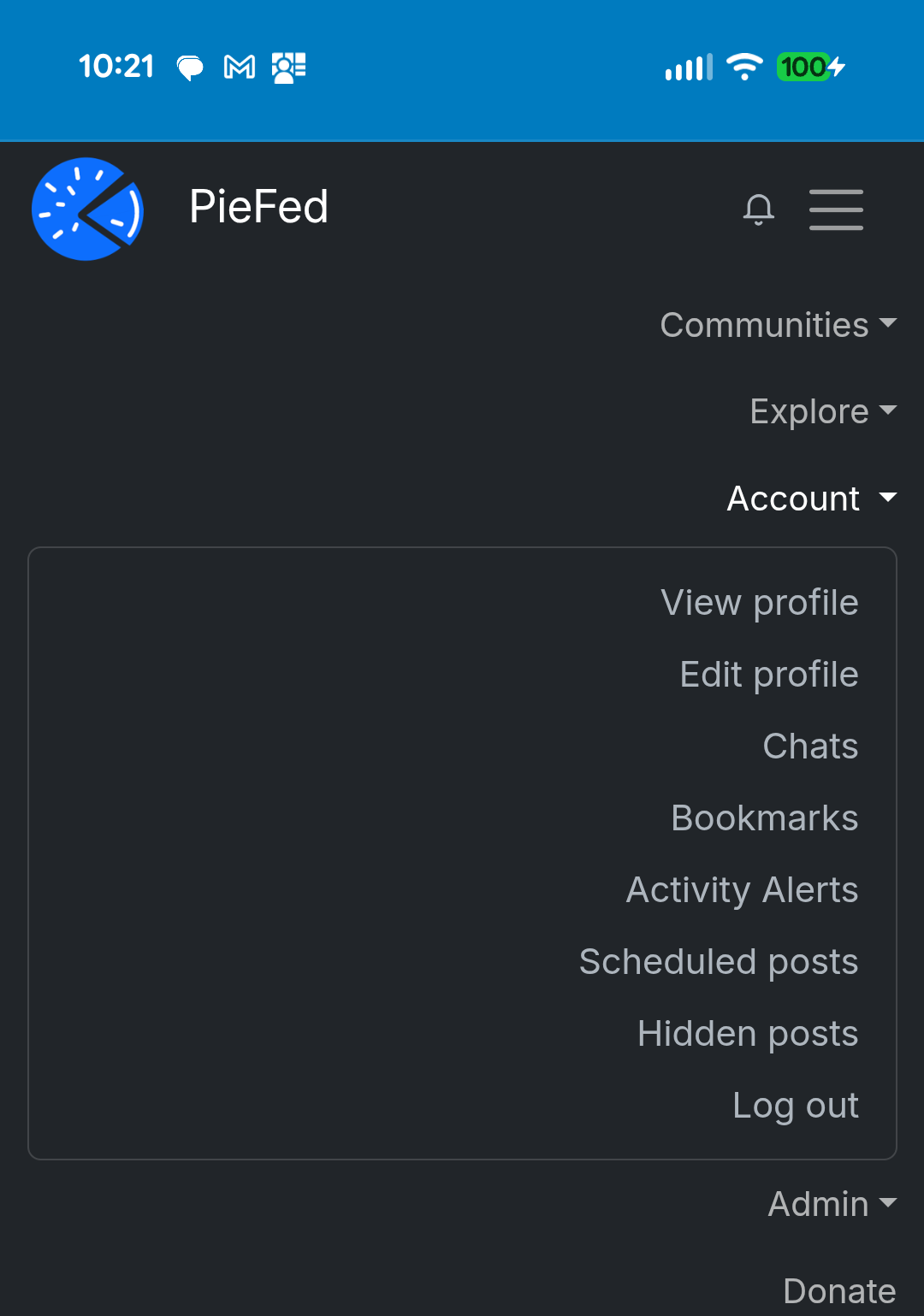
Everything is wasting so much space while being almost too small for touch and hides behind clicks/taps on a medium optimized for scrolling and swipes